Solution
Computer vision that works on a real floor.
Here is what each part of Bexlr does, what it needs from your cameras, and what to expect from it in your building. We say where it stops, too.
Cam 02 · Floor, from above
Illustration · sample data
Core capabilities
Five systems, working together.
Each one does a single job. Each comes with what it gives you and where it stops. The drawings use sample data.
- First seen
- 08:42
- Last seen
- 17:10
System 01
Presence and tracking
Bexlr finds each person in view and follows them from frame to frame, so one person stays one track while they move.
- First seen and last seen for every person
- Time on site, as a close estimate
- Who is in which zone
Each camera is tracked on its own for now. A person who walks out of one view is picked up again in the next.
System 02
Face recognition and identity
Each face is turned into numbers and compared with the employees you enrolled. A match puts a name on the track.
- Attendance by person, not just a head count
- Several people recognized in one frame
- History per team member
It needs to see the face. Cameras that look straight down see the tops of heads.
- DROWSINESSSTATION 4 · ID 017
System 03
Posture and fatigue
Bexlr reads body posture from the same feed. When someone starts to nod off at their station, it raises an alert.
- Drowsiness alerts while they happen
- The station and the person, in the alert
- A record of each alert in the log
It works best when the camera sees the body from the side or the front, not from far above.
- 09:41LATEID 022 arrived at 09:4111:26FATIGUEDrowsiness at Station 413:02ZONEID 017 entered Storage B17:06EARLYID 005 left at 17:06
System 04
Live alerts
You decide what is worth an alert. Bexlr watches for it and tells you the moment it happens.
- Attendance: late arrival, early departure, no-show
- Zones: someone enters an area you marked
- Fatigue: drowsiness at a station
An alert is a reason to look, not a verdict. A person still decides what it means.
- TimeWhoEventWhere
- 08:42:10ID 014EntryEntry · Main door
- 09:14:36ID 031EntryEntry · Main door
- 09:27:02ID 008EntryEntry · Main door
- 09:41:55ID 022EntryEntry · Main door
- 11:26:18ID 017FatigueFatigue · Station 4
- 12:05:44ID 014ExitExit · Main door
- 13:02:07ID 017ZoneZone · Storage B
ASK“Who arrived after 9 today?”System 05
Data and answers
Everything goes into one database on your server. Read the log, search it, or ask BexlrControl out loud.
- Attendance summaries per person
- Entries, exits and alerts in one log
- Spoken answers from your own data
Hours are directional. Bexlr is not a legal time clock, exact to the minute.
What it runs on
One server on site, and the cameras you have.
Bexlr is software on a server in your building. Nothing has to leave your network for it to work.
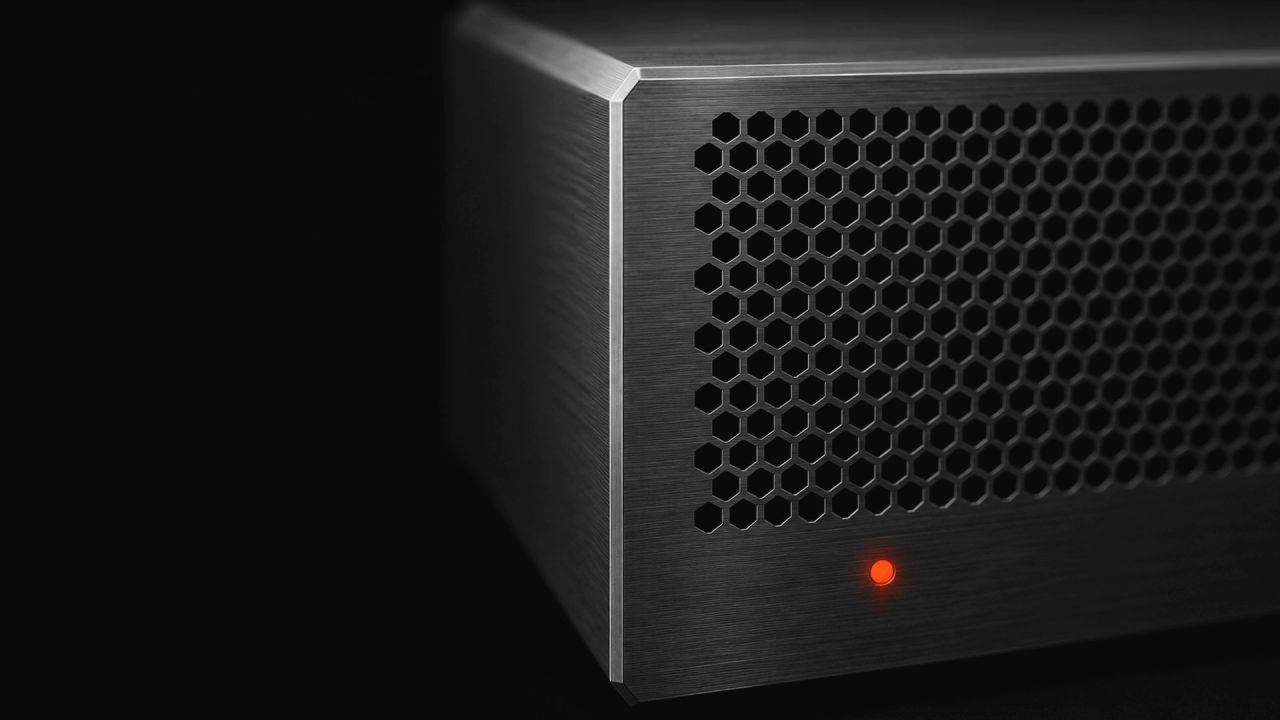
- Server
One GPU server, in your building
Wired to your cameras over the local network
Sized to the number of cameras you run
- Cameras
IP cameras that stream over RTSP
The ones you have, where they are good enough
Position matters more than price
- Software
Processing happens on the server, on site
Logs in a database you own
A web dashboard and a voice assistant
Where the camera sits decides what it sees.
Try three positions. We check yours before anything is installed, and tell you if a camera should move.
A camera a little above head height, looking across the room, sees faces and whole bodies. Recognition and posture both work.
Industries and use cases
Built for where the work happens.
Three kinds of site, and what Bexlr is used for in each. The plans are sample layouts.
Restaurants and hospitality
Several rooms, a team that changes by shift, and a manager who is rarely at the door when people arrive.
- 01Attendance across more than one location
- 02Who is in the kitchen and back of house
- 03Staffing levels through a service
- 04Fatigue alerts on long shifts
Typical setup: cameras at the entrance, in the kitchen, over the dining room and at the bar.
Not sure your setup will work?
We look at your site before anything is installed and tell you what to expect, including when a camera should move.